


Find the right listing
Try your trading name and city in Maps. Search again using the business phone number and any former name. Open a likely match and compare its website with yours. Do you recognize the storefront in the photos? A pin for the previous tenant in your building belongs to that business. A listing with your own shop sign and an old phone number is a different matter. Keep its Maps link handy while you work out who has access.
Sign in with a Google account your business will keep. If you recognize your listing, look for the option to claim or manage it. If someone already manages it, request access through the existing profile. Ask the person who opened the store or built the original website which account they used. Creating a second listing leaves a customer to guess which phone number or hours to trust.
If the search turns up no profile for your business, use Google's option to add your business. Enter the name customers actually see on your sign, invoices or work vehicle. Save the account details somewhere the owner can find them. When a manager leaves, you want to be able to correct your own opening hours without tracking down a former employee.
Choose the public location
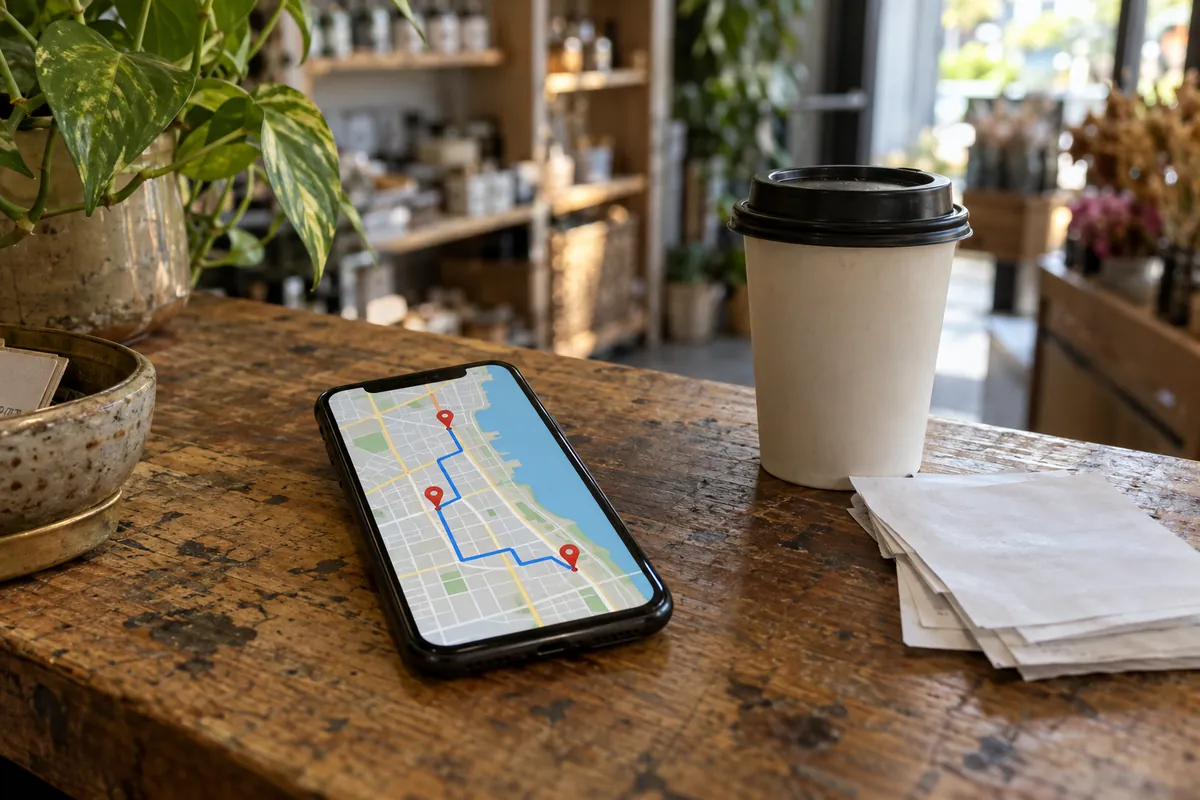
Picture someone tapping Directions. What happens when they arrive? If you run a staffed shop where people can visit during the listed hours, give them the entrance they need. Include the suite if it distinguishes your door from the one next to it. Open the listing later and see whether the pin would take a first-time visitor to the correct building.
If you repair equipment at customers' homes and never receive customers at yours, remove the public address in the location settings. Add the cities or postal codes where you actually accept jobs. Google may need location details privately for verification. That is a separate decision from showing your home to anyone who searches. A business that both receives visitors and travels to jobs can describe both parts of the operation if it meets Google's requirements. Google's service-area guidance
| Google service-area setting | Published guidance |
|---|---|
| Areas entered on the profile | Up to 20 |
| Time for an approved edit to appear | Up to 48 hours |
Pick a category and verify
Ask what a customer would call your business when recommending it to a neighbor. Start typing that in the category field and choose the most specific available primary category that describes the business as a whole. A dental practice might offer whitening, but the front door still leads to a dentist. Put individual treatments under services. Use additional categories only for other work the business genuinely does.
Start verification from the profile while signed in. Google decides which methods appear. Read the instructions on that screen before promising staff that a postcard, call or email is on its way. If Google requests video evidence, plan how to show where you operate, what you do there and how you control access to the business. Keep verification codes private. Check the status on this same profile if it still shows as pending.
Set the dates individually
Ask whoever opens and locks the door what will happen on each holiday. A call center taking messages all day does not make a store open for walk-ins. Keep the usual weekly schedule and enter exceptions under special hours. Google also recommends confirming official holidays when your hours stay the same. Bring these dates to whoever makes the schedule.
| Date | Decision for the owner |
|---|---|
| December 24 | What time will the last visitor be admitted? |
| December 25 | Will anyone staff the location? |
| December 31 | Does the business close early? |
| January 1 | What time does service resume, if at all? |
Read each saved date back against your staff calendar. A change to regular Thursday hours would affect later Thursdays as well. Check the website and the booking page for a conflicting promise, particularly if one is available in Spanish. A sign on the door helps the person who's already made the trip. The point of fixing Maps is to spare them that trip.

When Google changes a detail
Your team can enter the right information and still find a different closing time later. Google gets information from more than the owner. A suggested edit or hours found elsewhere on the web can cause a change. Open the profile as its manager and review the updated field. Compare it with the actual schedule. If the update is right, keep it. If it's wrong, correct it and check the public view again.
If the same mistake comes back, look at the contact page on your own website before submitting the same correction again. A previous location page may still say you open early on Saturdays. Correct that source too. For an unresolved change, save the Maps link and a screenshot showing the discrepancy. A photo of current posted hours can help explain exactly what needs to change.
Ask for an honest review
Use the profile's review link with someone who has actually used the business. A short message after service is enough. Give customers room to say what went well or what they would change. Google prohibits incentives for reviews, including discounts for removing a negative one. If someone writes in Spanish, answer in Spanish when you can. A public reply should never disclose details from an appointment or account.
Report the right problem
A competitor ahead of you on the map may simply have a better match for that search. A hidden home address is legitimate for many service businesses. Look for a specific rule violation you can document, such as a listing that impersonates another business and directs callers to a different website. Copy the Maps link, identify the misleading field and save the evidence that shows what is wrong.
For a straightforward factual correction, use Suggest an edit in Maps. For suspected fraud involving the business name, phone or website, use Google's Business Redressal Complaint Form. Keep your explanation narrow enough that another person can verify it. Use your manager account or profile support for a problem with your own listing.
Finish with a customer check. Hand someone your business name and ask them to find out whether you're open, whether you serve their neighborhood and how they would reach you. Watch where they hesitate. If they find the profile but struggle with the next step, fix that detail first. For questions about appearing in AI search after the profile is in order, see our guide to AI answers.
Sources